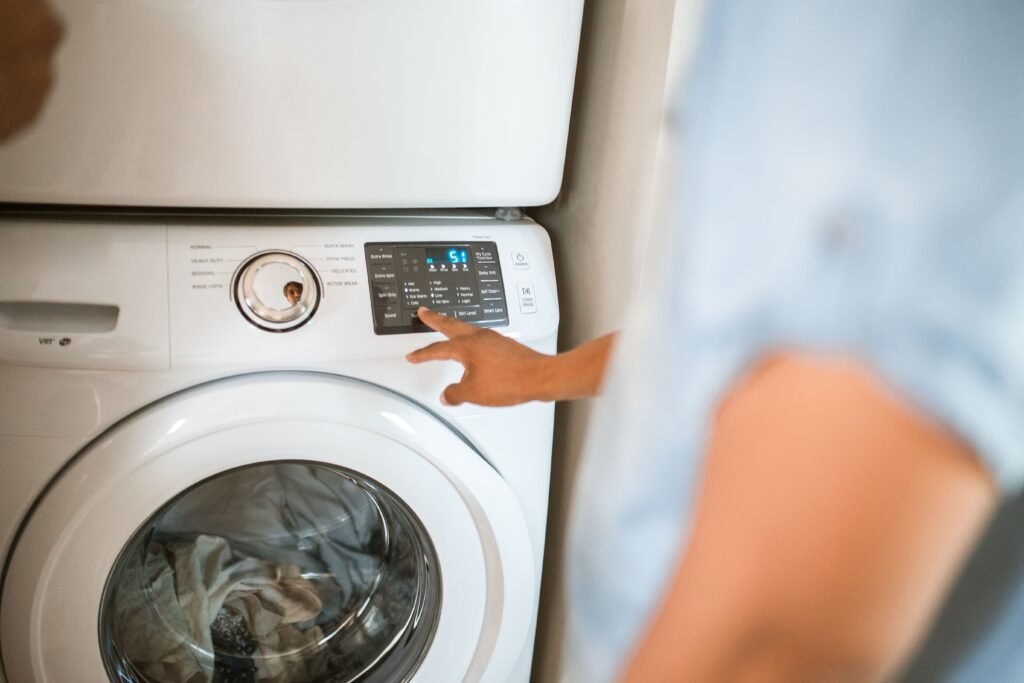
This guide is for a Samsung washer that begins running and then loses power or shuts down soon after starting — within the first seconds to the first few minutes, before settling into a normal wash pattern. This applies to all Samsung washer models; where a check differs by form factor, that’s noted directly. If your washer instead runs normally for a while and then stops at the same point every time later in the cycle — such as consistently during a rinse-to-spin transition — that’s a repeatable, later-stage stop with different likely causes and isn’t covered in this guide. If your washer never actually begins in the first place, that’s a different problem too: see Samsung washer won’t turn on if it’s completely dead with no lights or display, or Samsung washer has power but won’t start if the display works but pressing Start does nothing.
Direct answer: the most likely causes of Samsung washer starts then shuts off
When a Samsung washer starts and then shuts off shortly after, the cause is usually one of these, roughly in order of how often each shows up:
- A power-supply issue that only shows up under load — the outlet or circuit handles the initial power-on fine but can’t sustain the washer once the motor draws more current.
- A loose or marginal cord/plug connection that holds during idle display use but breaks contact once the machine vibrates or draws more power.
- An internal component along the power path failing under load — the line filter, the control power supply, or the connection feeding the motor.
- A wiring harness connection issue — a connector that’s vibrated loose or corroded, interrupting power once the machine starts moving.
There’s no one universal cause here — the right next step depends on exactly when the shutdown happens and what, if anything, displays right before it. That timing is the most useful clue you have, which is why the next section focuses on capturing it precisely.
Confirm the exact model, form factor, and cycle stage
Before testing anything, gather this information — it shapes which checks below actually apply to your situation:
- Model number, on a label at the door frame (front-load) or under the lid edge (top-load).
- Form factor: front-load or top-load.
- Exact point of shutdown — how many seconds or minutes into the cycle, and what stage (fill, wash, rinse, spin).
- Any displayed code or light pattern at the moment of shutdown, or immediately before it.
- Load condition — how full the drum was.
- Water remaining in the drum after the shutdown.
Hold onto this. The timing and any code are the two most useful pieces of evidence you have, and a technician will ask for exactly the same details if this needs to go to service.
Normal behavior vs. an actual fault
Not every pause is a shutdown. Some cycles include a normal soak or a dry-course period where the washer intentionally appears to stop for a stretch of time — this is expected behavior, not a fault, and the washer should resume on its own. A genuine fault is a loss of power or display response, not a paused stage that the washer designed into the cycle.
Run the safest no-parts checks first
These checks require no disassembly and carry no risk of damaging a part.
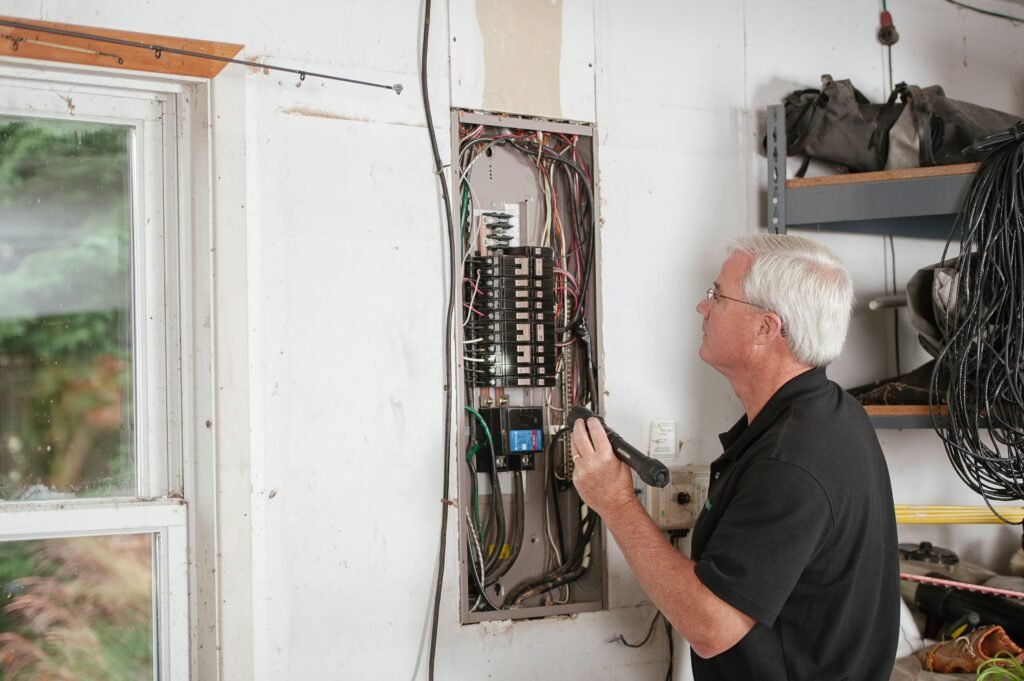
Check supply voltage and plug fit while the washer is running
- Confirm the washer is plugged into a well-grounded, three-prong outlet on its own dedicated circuit, separate from other high-draw appliances.
- Check the breaker or GFCI for the washer’s circuit — a shutdown under load, rather than at power-on, can indicate a breaker that’s marginal rather than fully tripped.
- Inspect the plug and outlet connection while the washer is running (visually — do not touch the plug or outlet while energized), looking for a cord that’s being pulled taut or vibrated by the machine’s operation.
- Confirm the cord isn’t pinched, crushed under the unit, or resting somewhere it flexes every time the drum moves.
Stop-use warning: If you notice scorching, a burning smell, a warm or hot plug/outlet, sparking, or any standing water near the outlet or the base of the washer, unplug the unit at the breaker (not by touching the cord or plug directly if there are signs of heat or damage) and contact a licensed electrician or Samsung service. Do not continue troubleshooting.
Record the exact seconds or cycle stage before shutdown
Run one short, empty-drum test cycle and note precisely:
- How many seconds or minutes elapse before the shutdown.
- Whether the washer was filling, agitating, draining, or spinning at that moment.
- Whether a code or blinking-light pattern appears right before or at the moment of shutdown.
- Whether the shutdown is immediate (within the first few seconds) or delayed until the motor engages more heavily, such as during spin.
This single controlled observation is what separates a power-supply problem from a motor-load problem, and it’s the evidence you’ll need for the next section.
What the shutdown timing tells you
Use the timing you recorded above as a first filter — not a diagnosis, but a way to narrow which fault family to investigate first.
| When the shutdown happens | Likely fault family to investigate first |
|---|---|
| Immediately at start, before fill even begins | Power supply/outlet under load, or a marginal cord/plug connection |
| A few seconds in, during initial fill | Line filter or control power supply issue triggered as the machine draws its first real load |
| During wash/agitation, before spin | Control power supply or a wiring harness connection disturbed by drum movement |
| Specifically at spin, when motor draws the most current | Motor load or the wiring/connection feeding the motor |
| Random timing, no consistent pattern | Loose connection anywhere along the power path — recheck cord and connections rather than assuming a single part |
Treat this as a starting point for the next section, not a final answer — confirm any suspected component against official documentation for your model before assuming it’s the cause.
Diagnose line filter, control power supply, motor load in the correct order
Work through these from least to most invasive, using your timing observation to prioritize where to start:
- Line filter — a component in many models that filters electrical noise before power reaches the control electronics. A failing line filter can allow the display and initial power-on to work fine, then drop out once the machine’s motor or pump adds electrical load.
- Control power supply — feeds the main control board. A marginal supply can hold steady at idle but sag once real current draw starts, cutting power to the whole board mid-cycle.
- Motor load / motor connection — if shutdown consistently lines up with spin or heavy agitation specifically, the fault is more likely tied to the connection or component feeding the motor rather than the general control power path.
This is exactly the segment where generic advice becomes unreliable, because which component is the actual failure point — and how to access or test it — varies by model family. Avoid undocumented voltage figures or component test values you find outside Samsung’s own documentation; use the official manual or support article for your specific model to confirm anything at this level.
Use observations, codes, and manual data before replacing parts
Before ordering or swapping any part:
- Match any code or blinking-light pattern you observed against the official documentation for your exact model — some models display a code directly, others communicate through blinking-light sequences only.
- If no code appeared, rely on your timing observation from the table above as your primary lead, but confirm the suspected component against your model’s owner’s manual or an official Samsung support article before proceeding.
- Confirm part compatibility against your specific model number before purchasing anything. A line filter or control power supply from one Samsung washer family is frequently not interchangeable with another, even within a similar body style.
Run a controlled test to confirm the repair
After making any change — reseating the cord, resetting a breaker, or replacing a documented part — confirm the fix with a single test before running a full load:
- With the drum empty, run a short cycle from start to finish.
- Watch for the washer to pass through the exact stage where it previously shut off.
- Confirm the cycle completes without another shutdown, code, or unexpected pause.
- Only after a full empty-drum cycle completes cleanly, run one load with laundry to confirm the fix holds under a realistic load.
If the washer shuts off again — even at a different stage than before — treat that as new evidence and return to the timing table and manual-verification step, rather than assuming the same fix should be repeated.
When Samsung washer starts then shuts off is no longer a safe DIY repair
Stop and contact Samsung support or a qualified technician if any of the following apply:
- You notice scorching, melted plastic, a burning odor, or a warm/hot plug, outlet, or panel.
- There’s standing water near any electrical connection, cord, or outlet.
- The shutdown consistently happens during spin or heavy motor load — motor and motor-wiring diagnosis typically involves higher current and is best handled by a professional.
- You’ve confirmed the outlet, circuit, and cord are all sound, but the shutdown continues — this points to an internal component (line filter, control power supply, or a wiring harness connection) that needs model-specific parts and testing.
- The drum, door, or any moving part behaves unexpectedly — starts moving on its own, or won’t stop moving — while you’re working near the unit. Unplug the washer and stop until a professional can inspect it.
FAQs
My Samsung washer stops at the exact same point in the cycle every time — is this the same issue?
Not quite. A shutdown that happens consistently later in the cycle, at a specific repeatable stage, points toward a different set of causes than an early shutdown right after starting, and is covered in a separate guide for repeatable mid-cycle stops.
Is it normal for my washer to pause during a soak or wool cycle?
Yes — some cycles include a built-in pause or soak period where the washer appears to stop for a stretch of time. This is expected and the washer should resume on its own; it’s different from a genuine loss of power.
Does a clogged drain filter cause a Samsung washer to shut off completely?
A blocked drain more commonly causes the washer to pause mid-cycle with water still in the drum, or trigger a drain-related error code, rather than a full loss of power and display. If your washer’s display stays on and it simply won’t proceed past the drain stage, that’s a drainage issue rather than the power-path issue covered in this guide.
Why does my washer only shut off during the spin cycle specifically?
A shutdown tied specifically to spin, rather than happening randomly, points toward the motor or its connection rather than a general control power-supply problem — see the shutdown-timing table above for how to prioritize the next diagnostic step.
Does resetting my Samsung washer fix a “starts then shuts off” problem?
A reset clears stored error codes but doesn’t resolve whatever originally caused the shutdown. If the underlying cause is a power-path or connection fault, expect the shutdown to recur after a reset unless the actual cause is addressed.